
Field Crop Rotation
Now users are able to have crop rotation data in Seed Selector from the uploaded KML and SHP files.
To see this data users need to go to Field Details widget:
- Choose organization in the module Manage Organization.
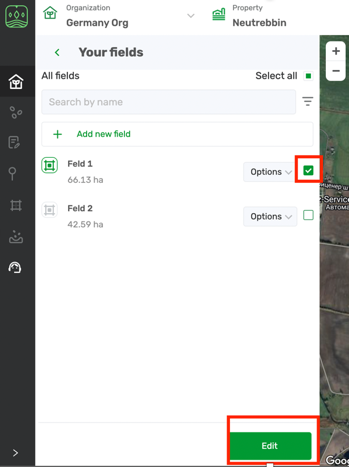
- Choose a property and you will see the field list. Select one field and click on Edit button below.
- The field details widget will open with crop rotation information from your field file. It can reflect up to 7 last years data.
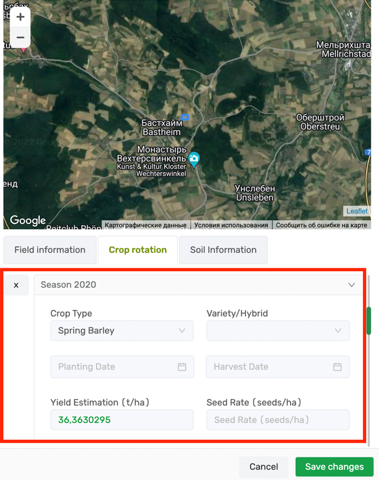
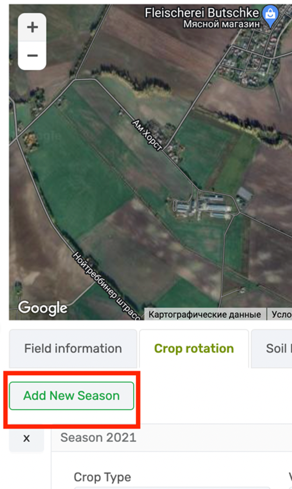
- You are able to add crop rotation data on your own as well.
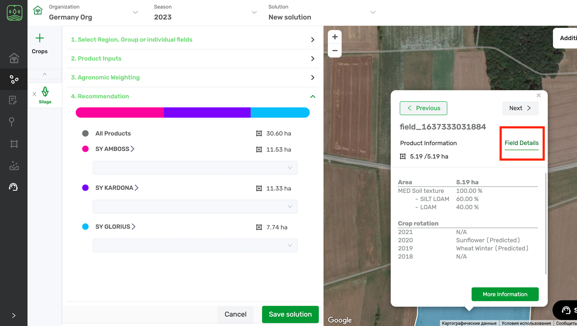
- All the information about crop rotation will be visible as well in the Seed Selector module when creating a recommendation:
Field Information
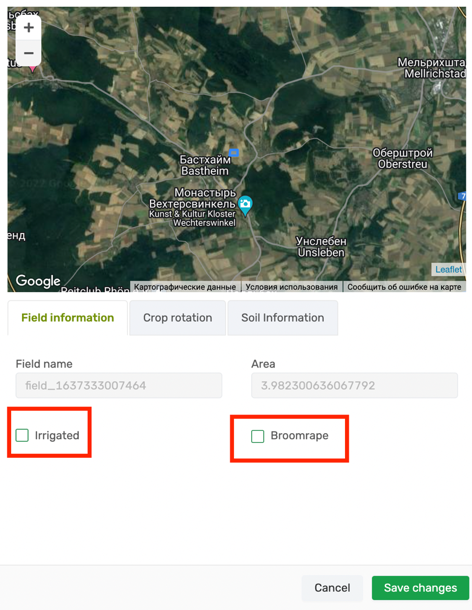
- In the same widget under Field Information tab you can mark field as Irrigated and choose relevant Broomrape resistance for one particular field. This way the most relevant hybrid will be recommended taking in account this information that you add for your field.
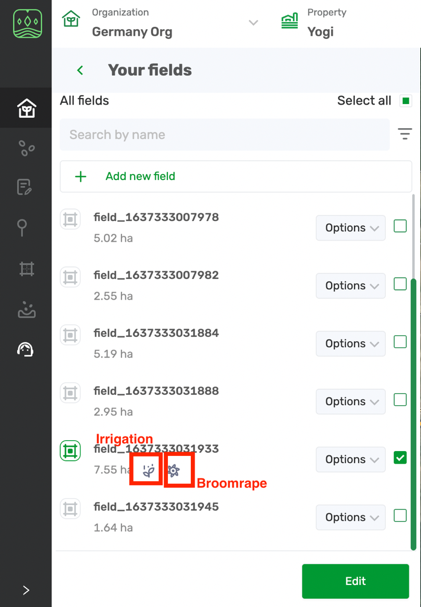
- Fields with chosen Broomrape and Irrigation will be marked with the special icons when you will be working with them to create a recommendation.
Soil information
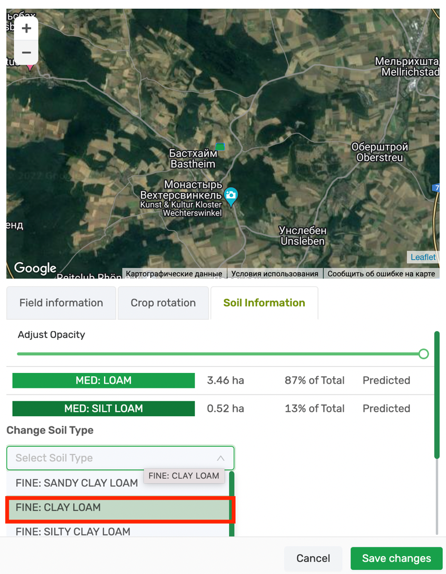
- You can change also manually fields soil type. As well as you also will be able to distinguish between predicted (by SoilGrid) and Updated (manually) soil type.
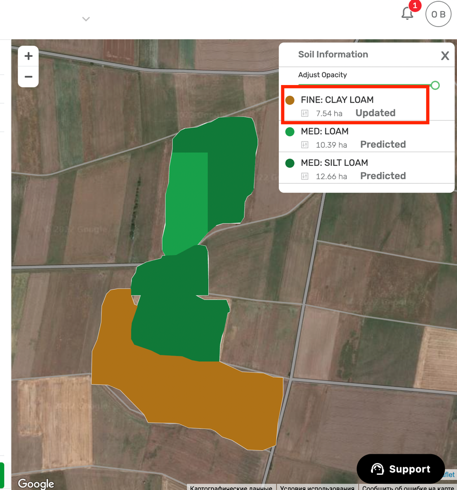
- This changes you will see in Additional services widget, as the field where you changed soil type will be marked as Updated and others will be marked as Predicted.
Comments
0 comments
Article is closed for comments.